
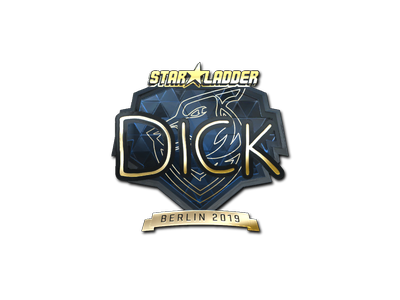
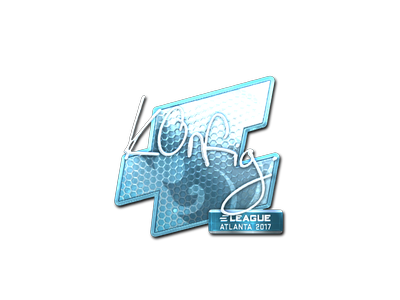
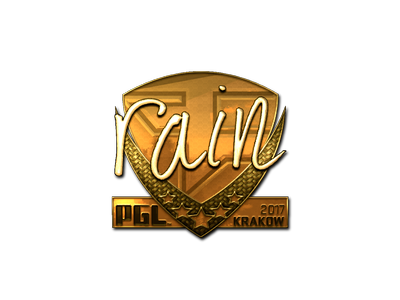
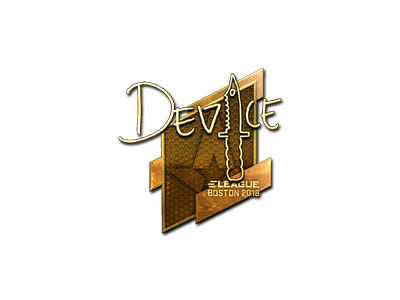

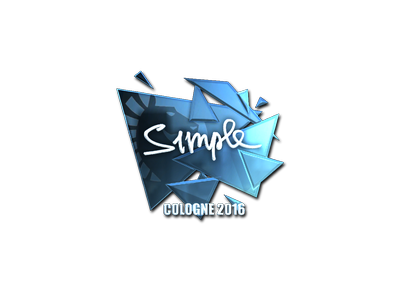
CS2 stickers: cosmetic details that become part of a weapon customization
CS2 stickers are cosmetic inventory items designed to customize weapon finishes with artwork, team logos, player autographs and other graphics. An unapplied sticker remains a separate item until you use it on a weapon, which makes the CS2 stickers catalogue useful both for creating a new sticker setup and for finding an individual collectible. Stickers do not change weapon stats or gameplay; their value comes from the design, material effect, origin and how well they work with a particular skin.
Older CSGO stickers remain part of the Counter-Strike item economy in CS2, so legacy tournament designs and community releases can be used alongside newer items. CS2 also expanded sticker customization: stickers can be positioned and rotated more freely when they are applied, giving players much more control over the final layout than the old fixed-slot approach.
That matters especially on skins with large, clean surfaces. An AK-47 sticker layout may use the receiver and magazine area differently from an AWP, while compact weapons require more attention to scale, overlap and the parts visible during normal play.
Sticker materials, tournament designs and collectible variants
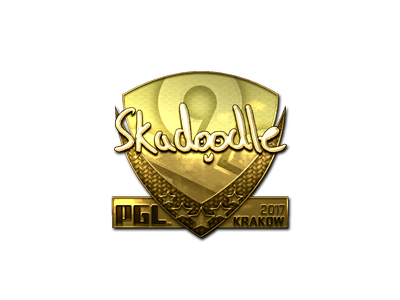
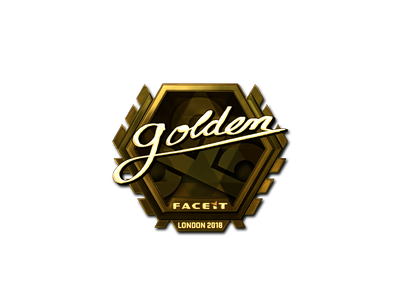
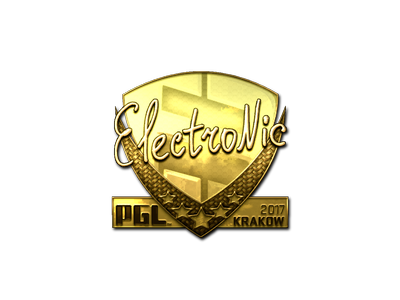
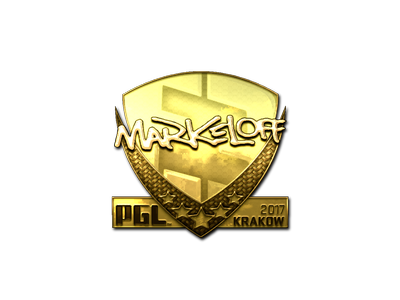
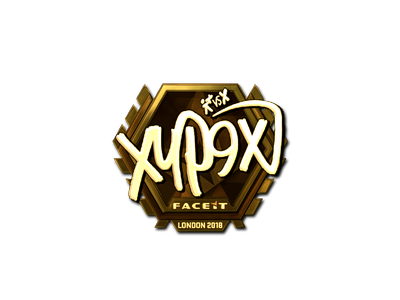
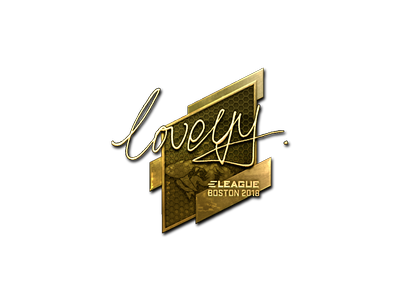
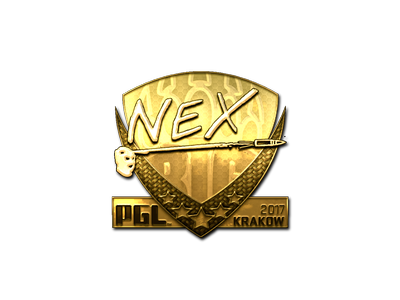
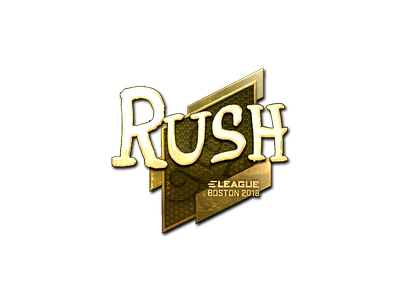
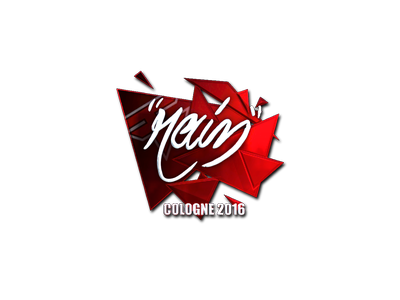
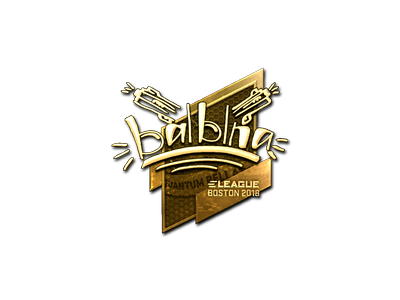
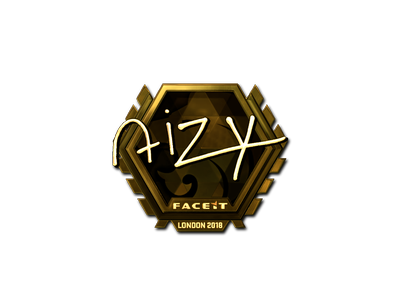
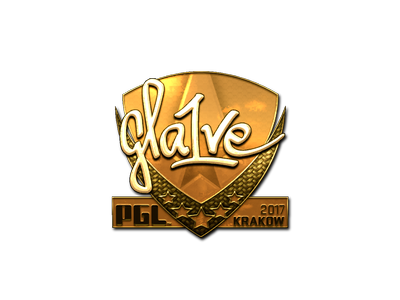
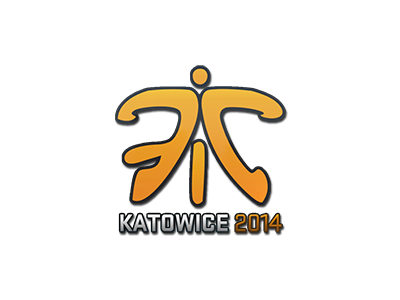
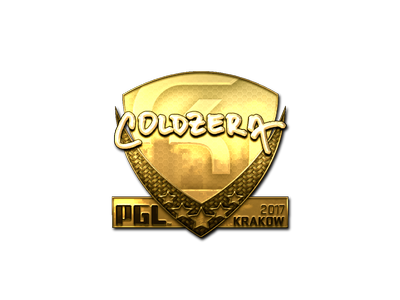
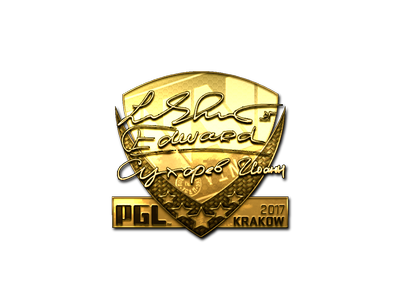
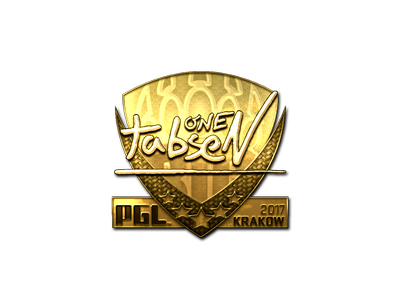
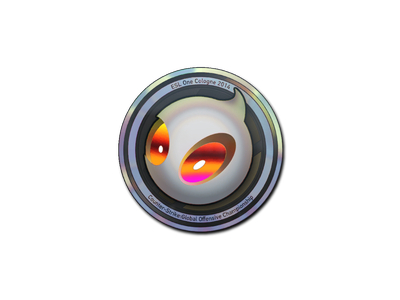
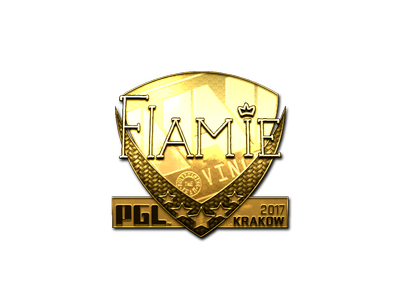
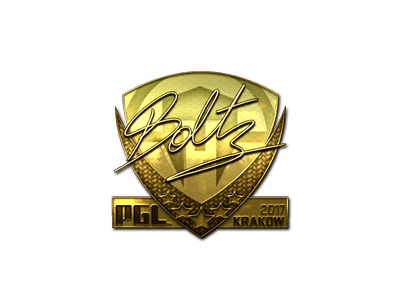
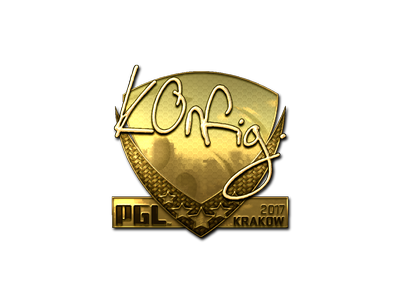
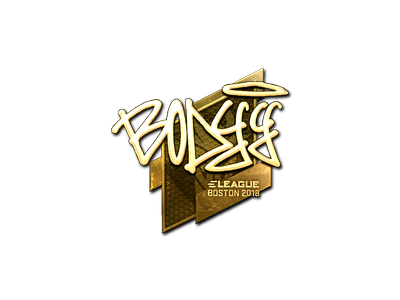
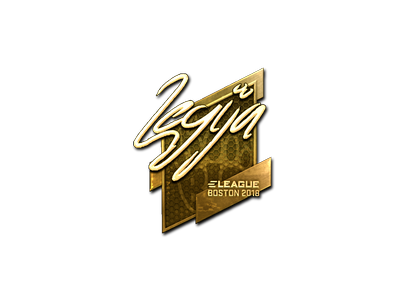
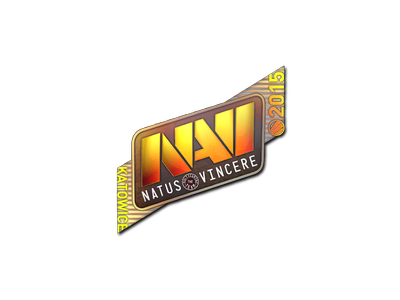
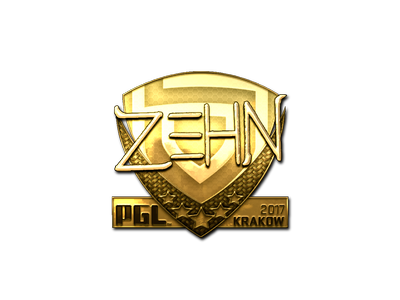
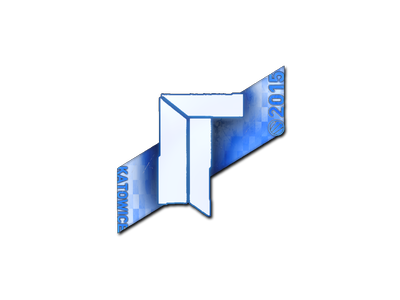
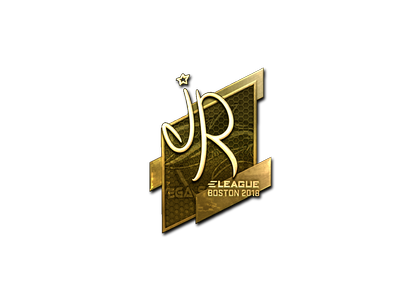
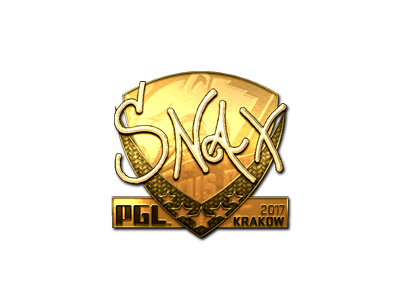
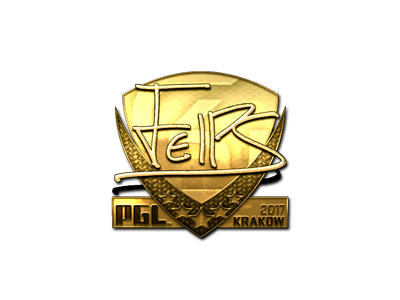
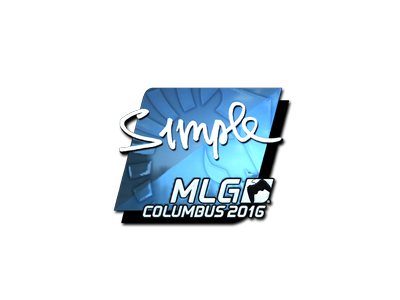
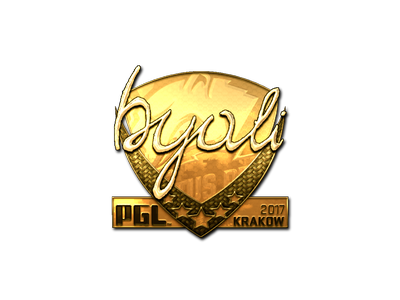
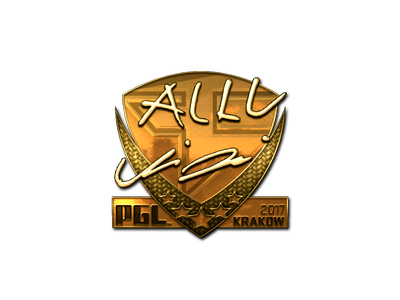
A CS2 Sticker is identified not only by its artwork but also by the exact variant attached to its name. Depending on the collection or tournament release, stickers can use effects such as Holo, Foil, Glitter, Gold, Lenticular, Embroidered and other material treatments. These labels are important because two stickers with the same logo can look very different once light, movement and the color of the weapon finish are taken into account.
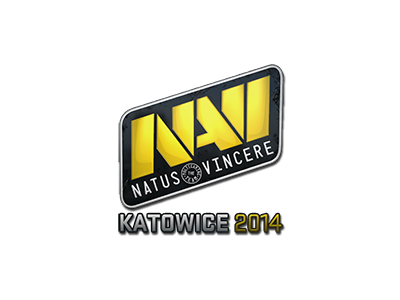
Tournament stickers usually focus on teams, players, event branding or special achievement versions. Community sticker collections are more likely to use original illustrations, memes, symbols or graphic designs. Neither group gives a competitive advantage, so the practical difference is visual and collectible rather than gameplay-related.
For sticker combinations, the background of the skin matters as much as the sticker itself. Bright Holo effects can stand out on a dark finish, while a detailed logo may lose contrast on a busy pattern. A Desert Eagle offers a different visible surface from a Glock-18 or USP-S, so it is worth judging the sticker on the weapon rather than only from its inventory icon.
How to get stickers in CS2: capsules, event systems and trading
There is no single acquisition method for every sticker release. Many CS stickers originate from Sticker Capsules: opening the relevant capsule gives a sticker from its contained set. Tournament releases can also use dedicated event shops or other direct-purchase systems, so the source should be checked for the exact sticker rather than assuming that every design comes from a capsule.
Sticker Capsules are separate from ordinary weapon cases. Opening a weapon case is primarily a route to weapon finishes and its own rare-item pool; it is not the general method for obtaining stickers. This distinction is useful when searching for a particular team logo, autograph or community design.
The other route is direct trading. Unapplied stickers that are tradable can move between inventories and marketplaces, which lets you choose the exact design instead of opening containers until it appears. This is particularly relevant for older CSGO stickers whose original distribution is no longer the practical way to obtain them.
Applying, scraping and displaying stickers without committing them
When a standard sticker is applied, it becomes part of that weapon item. CS2 lets you adjust its position and rotation during placement, so sticker layouts can use spacing, overlap and orientation rather than relying only on preset locations. The application screen is therefore worth using carefully before confirming the sticker placement.
Scraping is different from removing an inventory attachment. Each scrape makes the applied sticker look more worn, and repeated scraping can eventually remove it completely. The original sticker does not return to your inventory after that process. Some designs have interesting partially scraped appearances, but scraping is still an irreversible modification of an applied sticker.
Sticker Slabs provide another option. A sticker can be sealed in a slab and displayed as a weapon charm instead of being permanently applied to the weapon surface. The sealed sticker can later be recovered by cracking the slab and discarding it. Standard stickers and Sticker Slabs are therefore separate item types even when the artwork inside them is the same.
What to check before choosing a sticker
Unlike weapon finishes, an unapplied standard sticker is not selected by exterior or weapon-style float. The important part is the exact item variant. Before choosing one, check the full name, artwork, material effect and release it belongs to. For tournament items, also distinguish between a team logo, player autograph and any special event variant.
For weapon customization, inspect how the sticker works with the skin rather than judging it in isolation. Placement can change which parts of a sticker remain visible during reloads and normal first-person use. Larger rifle surfaces generally give more room for multi-sticker layouts, while smaller weapons may work better with a single focal graphic or a tighter composition. The rifles section and pistols section can help compare the kinds of skins you plan to use as the base.
Price also depends on the exact sticker, its availability and demand for that design or sticker combination. Instead of relying on a fixed price guide, compare the active listings for the exact variant and make sure a similarly named Holo, Gold, Glitter or standard version has not been confused with the one you actually want.
Buy and sell CS2 stickers on white.market
On white.market, standard stickers can be compared directly by their item name and available listings. This avoids mixing an unapplied sticker with a Sticker Slab or another material variant.
- Open the sticker category and search for the exact team, player, artwork or sticker name.
- Check the complete item name and material variant before selecting a listing.
- Compare the available offers in the grid and choose the sticker that matches the intended weapon customization or collection.li>
- To sell, select the supported sticker from your inventory and create a listing for that exact item.
If you are browsing beyond stickers, the main CS2 market keeps weapon skins and other tradable item categories separate, making it easier to combine a weapon skin with suitable stickers without confusing the base skin with the sticker itself.p>
FAQ about CS2 stickers
Can the same unapplied sticker be used on several weapons?
No. A standard sticker is a single inventory item, and applying it consumes that unapplied item for the selected weapon. Using the same sticker on additional weapons requires another copy for each application.
Do two unapplied stickers with the same exact name have different float values?
No. Standard unapplied stickers do not use weapon-style float or exterior values. Differences such as Holo, Gold or Glitter are separate named variants rather than different wear levels of the same unapplied sticker.
Can I reposition a sticker after the craft has been confirmed?
No. Flexible placement is chosen during application; an already applied sticker is not a reusable decal that can simply be dragged to another position. If the layout matters, check position, rotation and overlap before confirming the application.
Is a Sticker Slab the same item as an unapplied sticker?
No. A Sticker Slab is a charm containing a sealed sticker. The sticker can be recovered by cracking the slab, while a standard unapplied sticker is ready to be applied directly to a weapon.