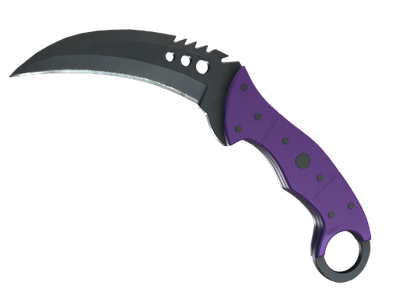
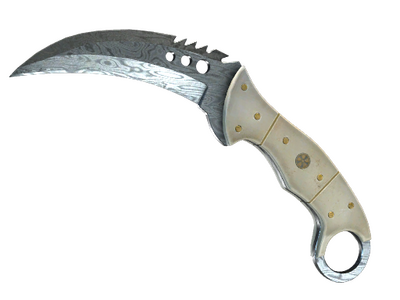
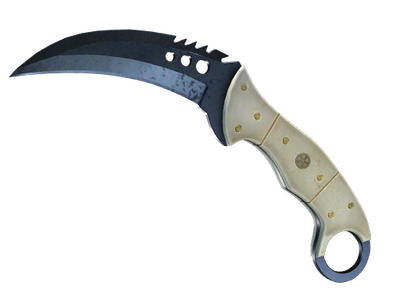
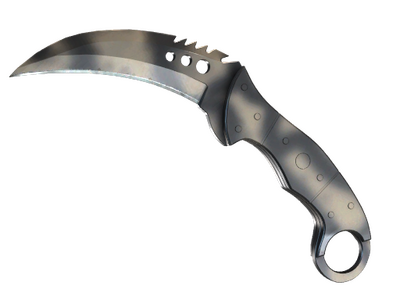
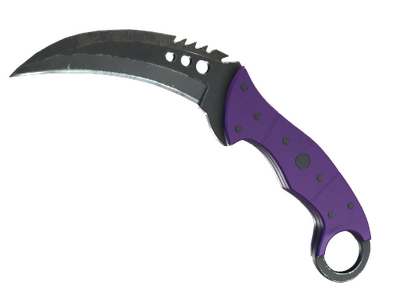
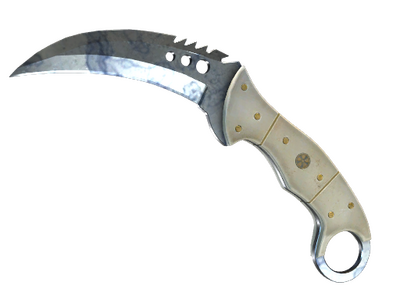
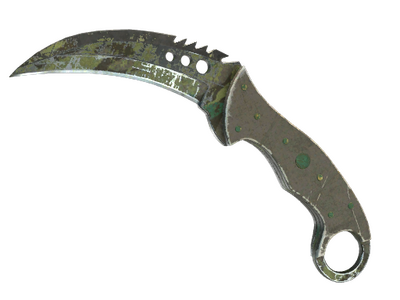
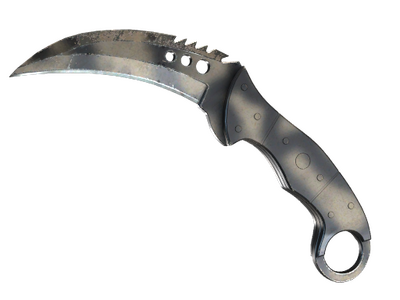
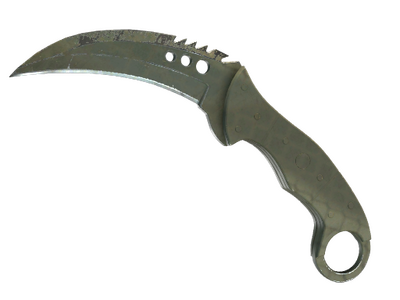
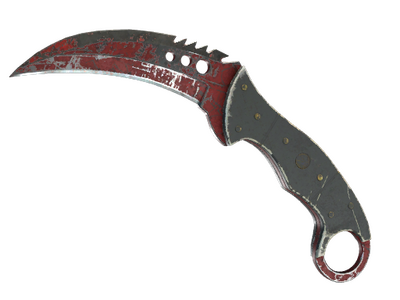
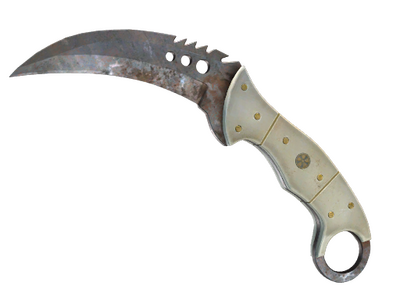
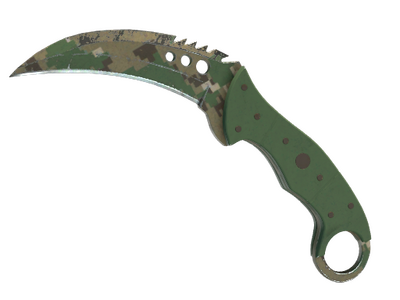
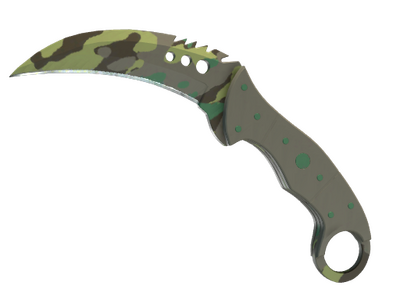
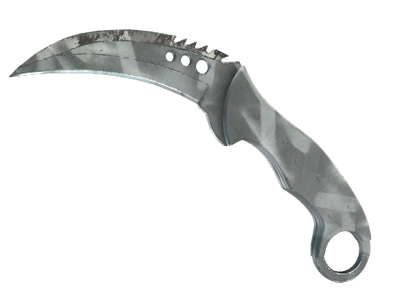
Talon knife: the curved Horizon knife built around its finger-ring design
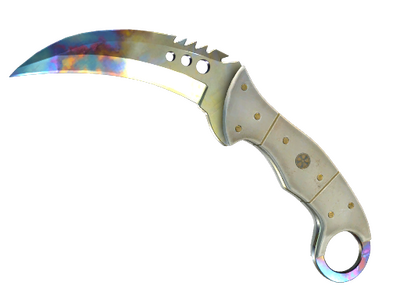
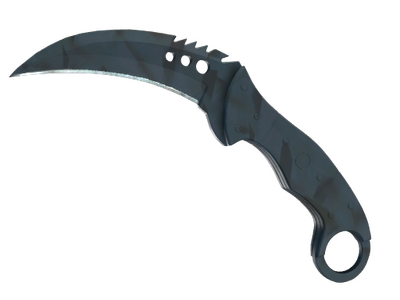
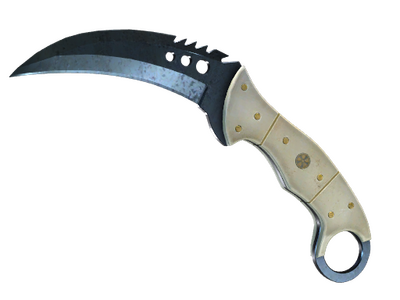
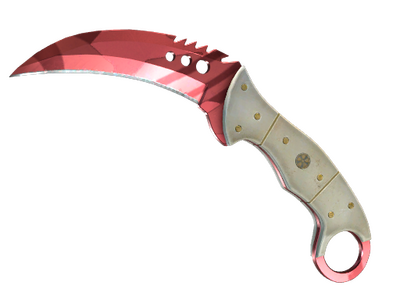
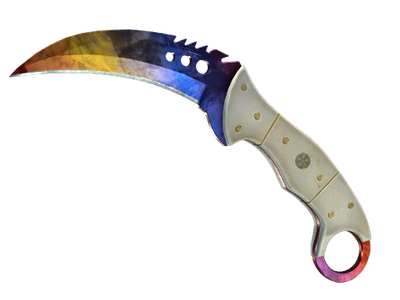
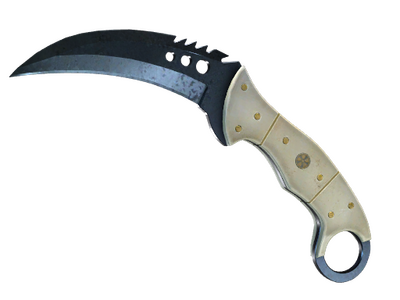
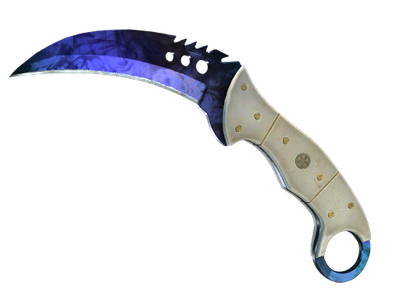
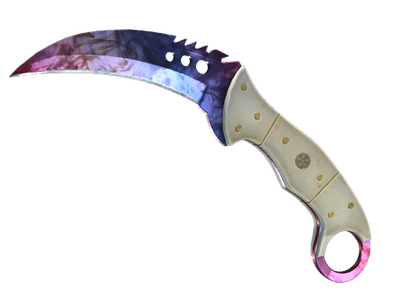
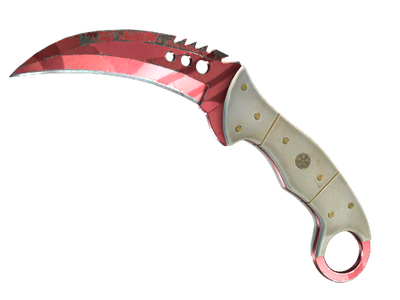
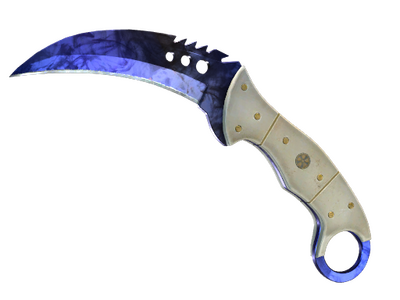
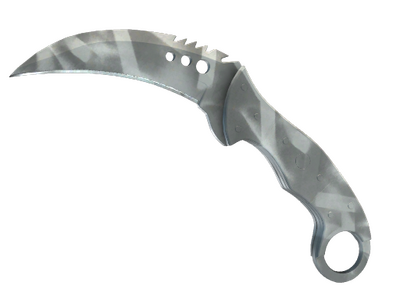
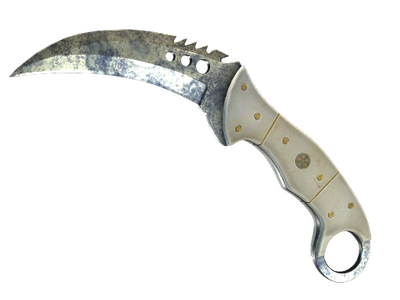
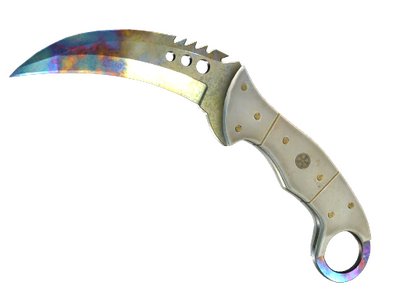
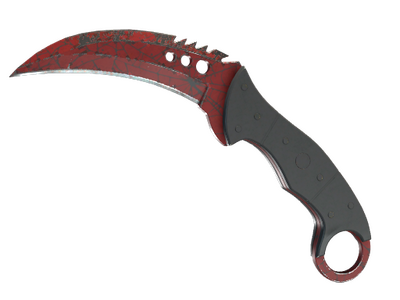
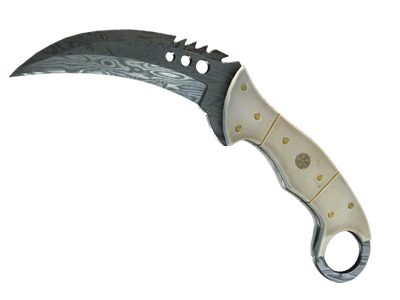
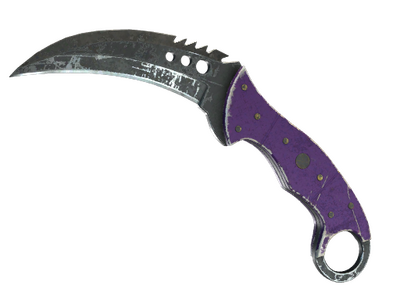
The talon knife is a curved, claw-shaped knife with an ivory-style handle, brass rivets and a finger ring at the end of the grip. The Talon Knife cs2 model belongs to the gold-star rare special item tier and is cosmetic: it replaces the default knife visually without changing movement, damage or other gameplay properties. Its silhouette puts it closest to the Karambit, but the broader blade, serrated spine and heavier handle make the two models easy to distinguish in first person.
Talon is part of the Horizon knife family together with the Stiletto Knife, Ursus Knife and Navaja Knife. Its animation set is one of the model's main visual traits: the ring lets the knife rotate around the finger during an inspect sequence, exposing both sides of the blade. That makes finish distribution particularly noticeable on pattern-based skins.
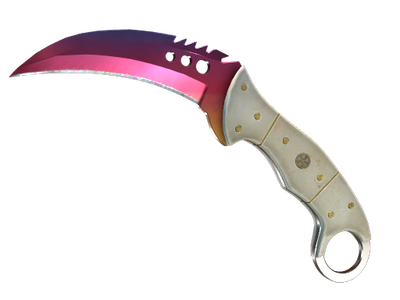
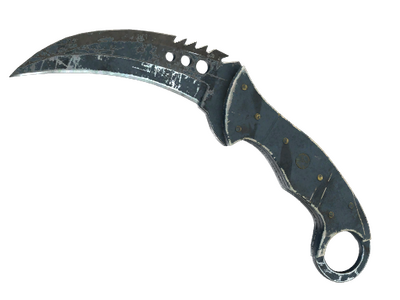
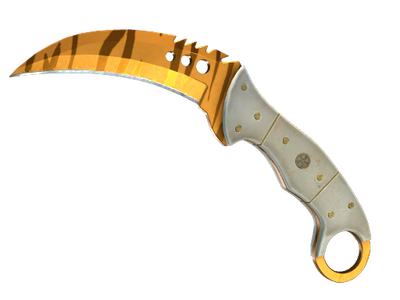
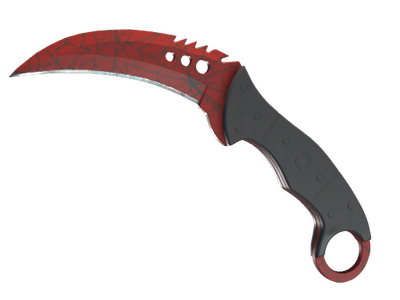
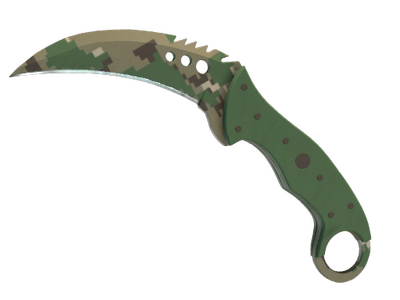
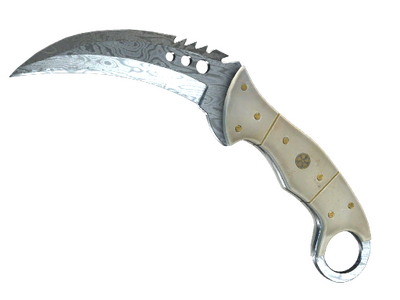
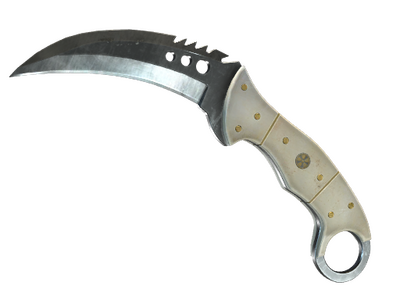
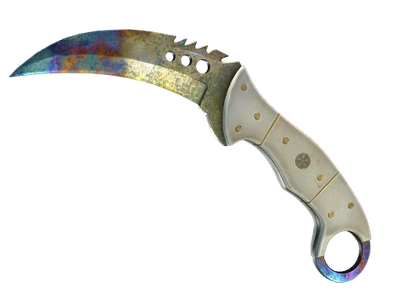
Original and Chroma finishes available for Talon Knife
The Talon finish pool is split into two groups. The original Horizon pool covers the finishes associated with the model's first case generation, while the later Chroma pool adds finishes shared by the same group of Horizon knives. When comparing the grid above with other CS2 knives, this distinction is useful because it also tells you which case family can generate a specific Talon finish.
The original pool includes:
- Vanilla, Blue Steel, Boreal Forest, Case Hardened, Crimson Web and Fade;
- Forest DDPAT, Night Stripe, Safari Mesh, Scorched, Slaughter, Stained and Urban Masked.
The Chroma pool includes Doppler, Damascus Steel, Marble Fade, Rust Coat, Tiger Tooth and Ultraviolet. Doppler is further divided into the numbered phases plus Ruby, Sapphire and Black Pearl. These phase names are part of the item itself, so two Doppler listings should not be compared as if the finish label alone described their appearance.
The older Talon Knife csgo inventory already used this split between the original and Chroma groups. In CS2 the model remains visually distinct from animation-focused alternatives such as the Butterfly Knife or Skeleton Knife, while retaining the same finish families associated with Talon.
Pattern, phase and float: what can change one Talon listing from another
For Talon CS2 skins, the finish name is only the first comparison point. Several finishes use properties that can noticeably change the blade even when two listings share the same exterior. Check the detailed item data rather than relying only on the thumbnail.
- Pattern seed: Case Hardened can distribute blue, gold and purple areas very differently across the blade. Blue-dominant layouts are commonly called Blue Gems by the community. Fade also uses the seed to determine how the gradient sits on the blade, while Marble Fade changes the placement of its red, blue and yellow areas.
- Doppler phase: the numbered phases and the Ruby, Sapphire and Black Pearl variants have different color distributions. Phase is therefore a primary comparison field rather than a cosmetic note.
- Float and exterior: painted Talon skins use float and exterior values. Lower wear does not make every pattern automatically preferable, so inspect the actual blade surface as well as the exterior label.
- StatTrak and Vanilla: painted finishes can also appear as StatTrak versions. Vanilla is the unpainted Talon and is shown as Not Painted rather than using the normal exterior progression.
Pattern inspection matters more here than on models where most of the visual identity comes from the silhouette. A buyer comparing Talon with the M9 Bayonet, Bayonet or Flip Knife should therefore compare the exact seed and visible blade side, not just the shared finish name.
How to get a Talon Knife in CS2
The original Talon finishes are tied to the Horizon Case and Danger Zone Case pools. Chroma finishes come from Prisma Case and Prisma 2 Case. These case families can be browsed from the CS2 cases section, although opening a case does not let you choose the exact knife model, finish, phase, float or pattern that will appear.
Trade Up Contracts are another route under the current CS2 contract rules. Eligible Covert inputs can produce a knife from a collection represented by the supplied items, while StatTrak Covert inputs lead to the corresponding StatTrak knife pool. That still does not turn the contract into a direct Talon selector: the possible output depends on the collection behind the inputs.
Buying the exact item directly avoids that uncertainty. This is especially relevant when the target is a specific Doppler phase, a particular Case Hardened seed or a tightly defined Fade or Marble Fade pattern. The same principle applies when comparing more conventional shapes such as the Falchion Knife or Classic Knife.
How to compare Talon Knife listings on white.market
The grid above lets you narrow Talon listings by price, exterior, StatTrak status, float, phase and pattern. Start with the finish because it determines which other fields matter. A Tiger Tooth listing, for example, does not need the same seed analysis as Case Hardened, while Doppler should always be checked together with its phase.
- Select the finish and exterior that match the look you want.
- For Doppler, Case Hardened, Fade or Marble Fade, open the listing and check its phase or pattern details before comparing offers.
- Use float as an additional wear criterion rather than treating it as a substitute for inspecting the blade itself.
- Separate regular and StatTrak listings when comparing like for like.
- If the Talon silhouette is not essential, compare it with alternatives such as the Kukri Knife, Bowie Knife or Nomad Knife before choosing a model.
For selling, the same attributes work in reverse: confirm the exact finish, exterior, StatTrak status, phase and pattern before placing the item on the market. On pattern-sensitive Talons, those details describe the listing much more precisely than the finish name on its own. Other knife models can be checked through the broader knife catalogue.
Talon Knife FAQ
Does Talon Knife give any gameplay advantage in CS2?
No. Talon Knife is a cosmetic replacement for the default melee weapon and does not change movement speed, damage or attack mechanics.
Can Talon Knife have StatTrak?
Yes. Talon finishes can appear in regular and StatTrak versions. When comparing listings, keep the two versions separate because StatTrak is an item attribute rather than a different visual finish.
Does a Vanilla Talon Knife have float or exterior?
No. The unpainted version is treated as Vanilla or Not Painted and does not use the normal painted-skin wear progression. Float and exterior matter for painted Talon finishes instead.
Can two Talon Knives with the same finish look different?
It depends on the finish. Pattern-based finishes such as Case Hardened, Fade and Marble Fade can have visibly different layouts, while Doppler variants also differ by phase. For those skins, inspect the exact listing rather than judging only by the finish name.