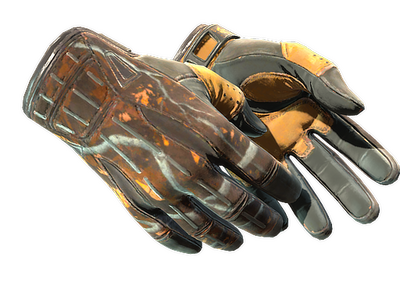
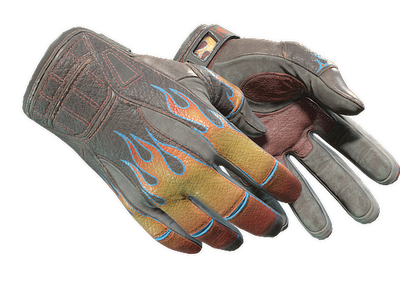
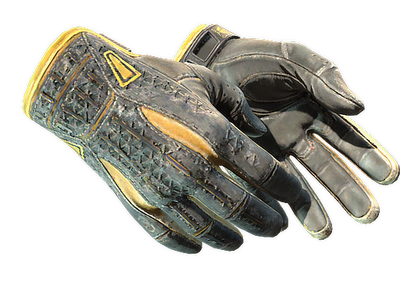
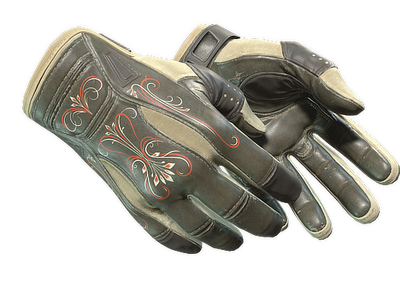
Sport gloves in CS2: the model and what changes between pairs
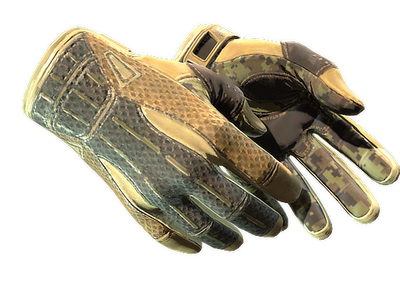
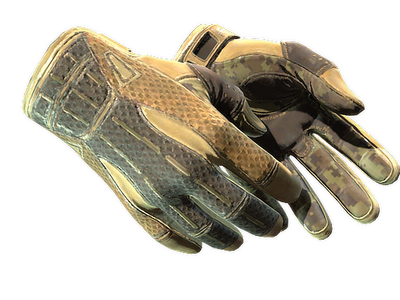
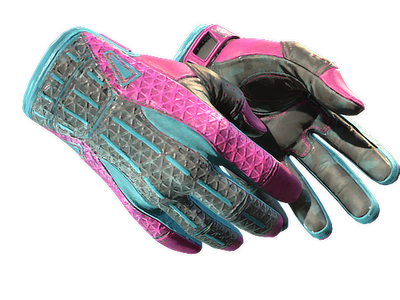
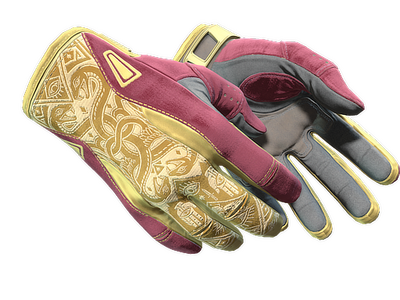
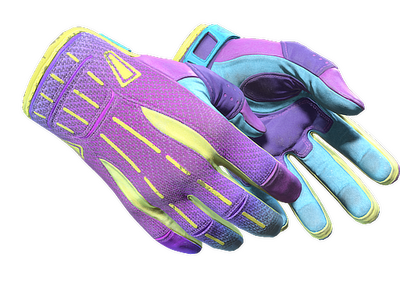
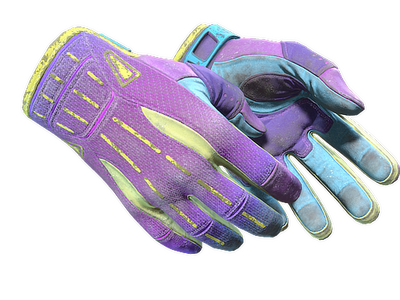
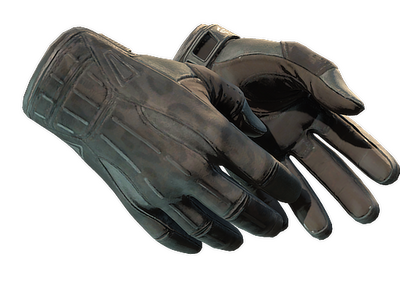
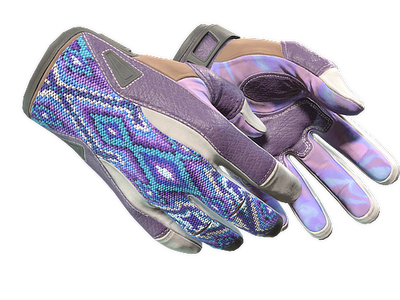
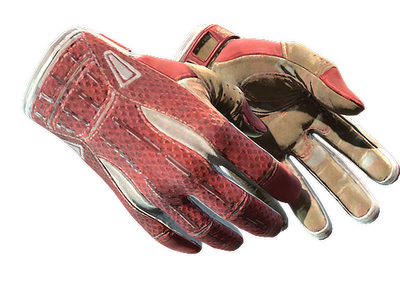
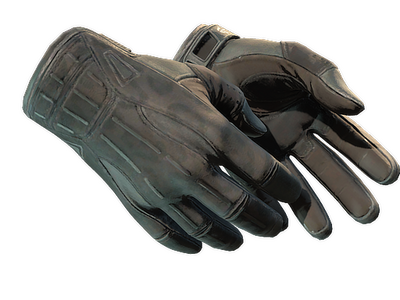
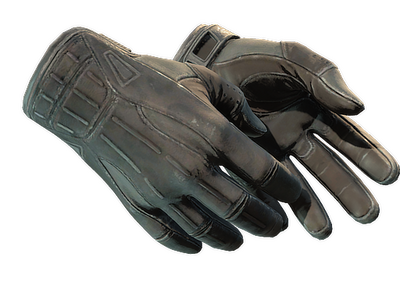
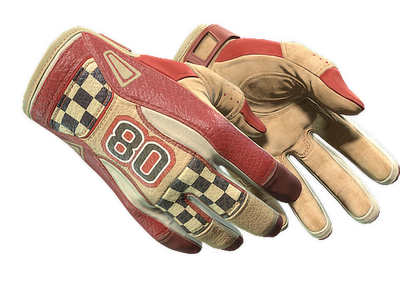
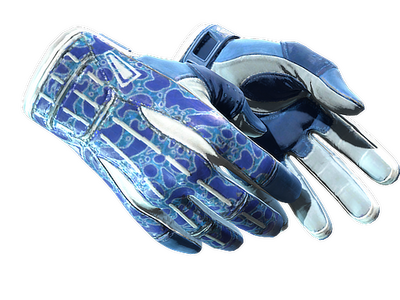
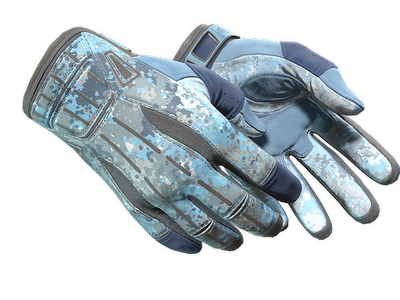
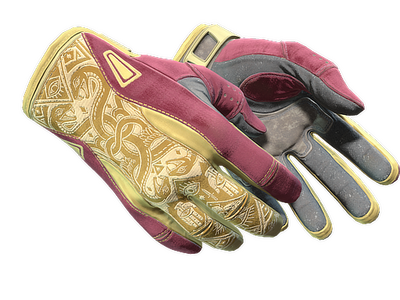
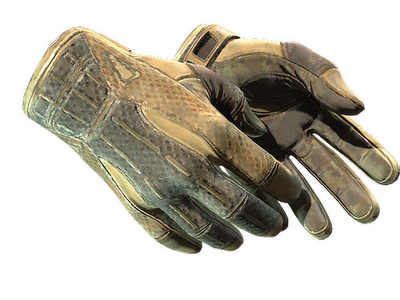
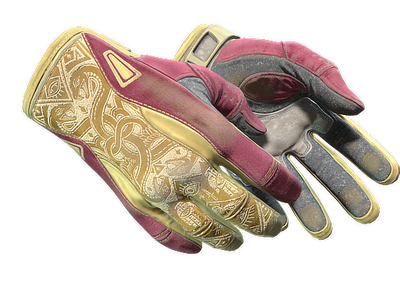
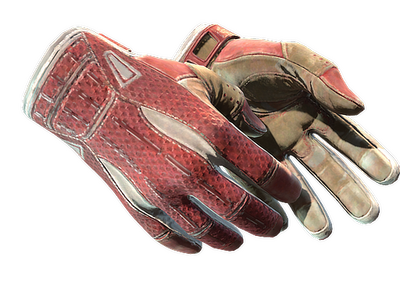
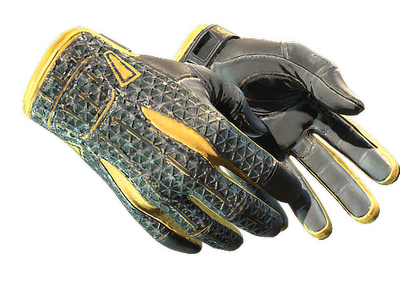
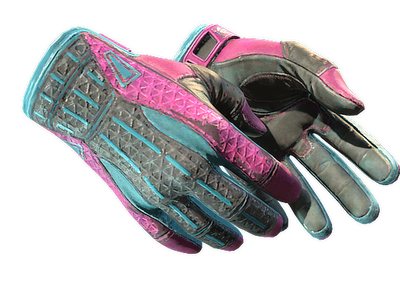
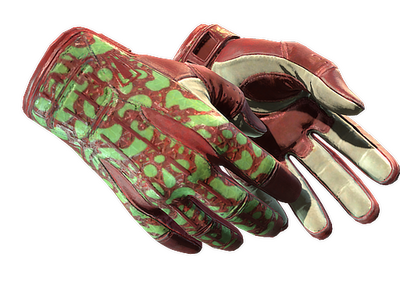
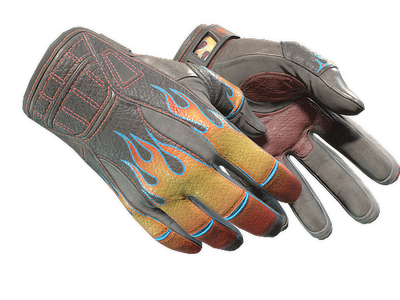
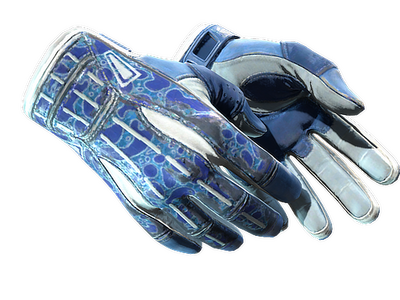
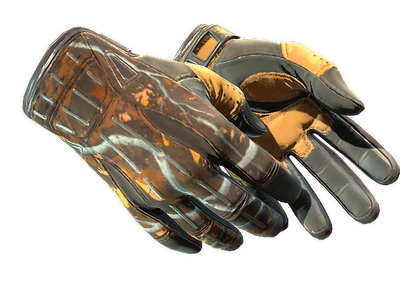
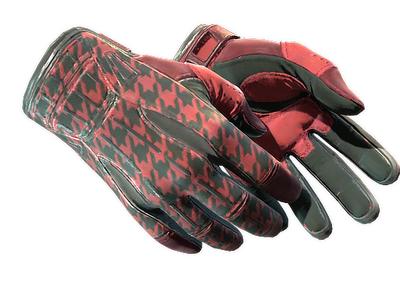
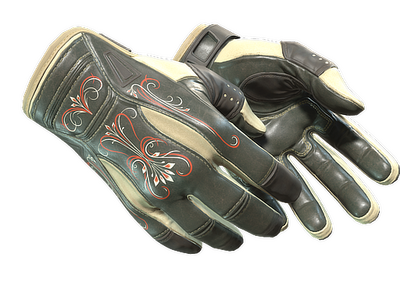
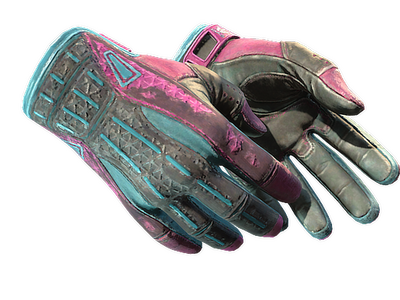
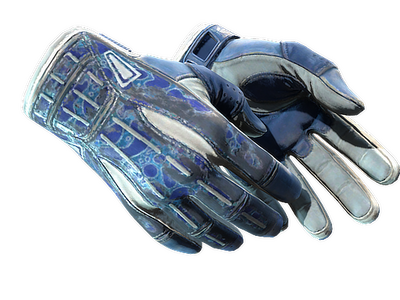
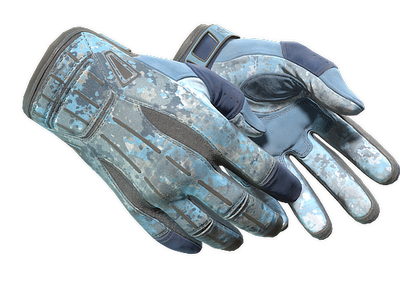
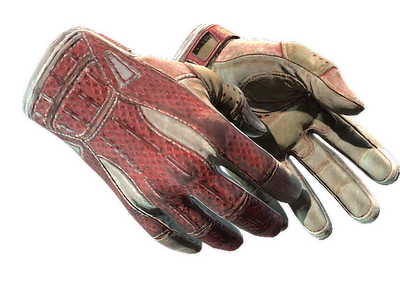
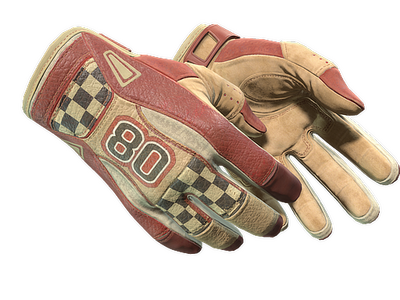
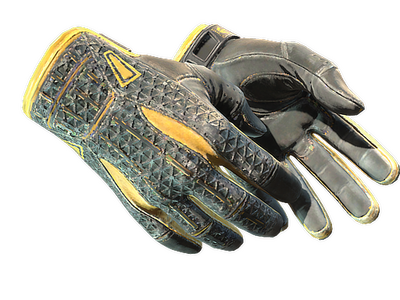
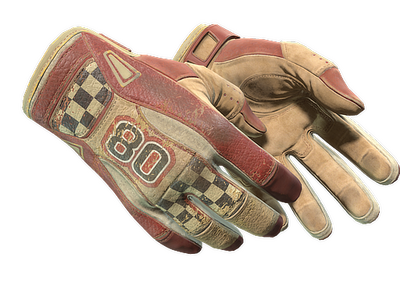
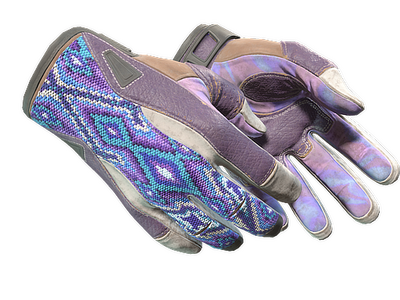
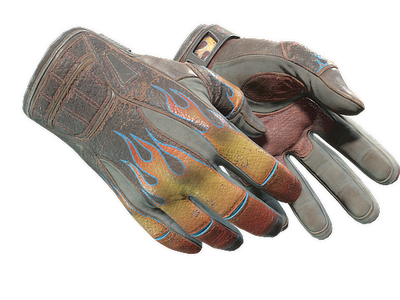
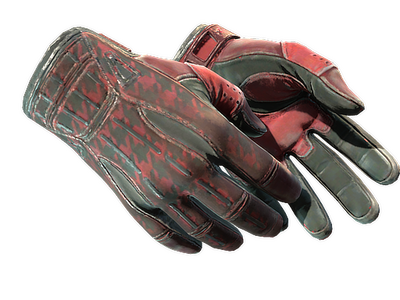
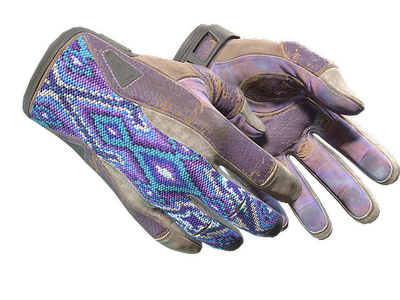
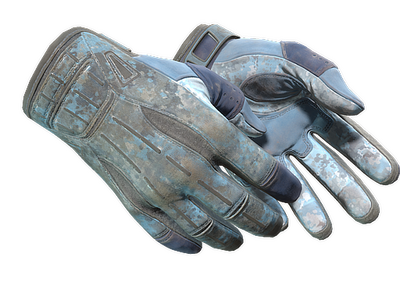
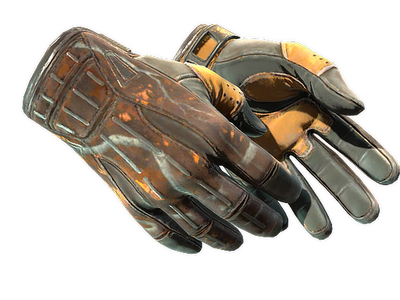
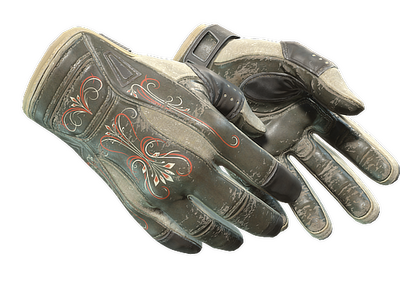
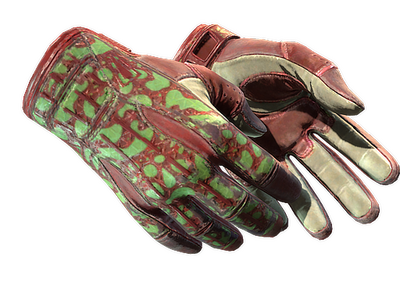
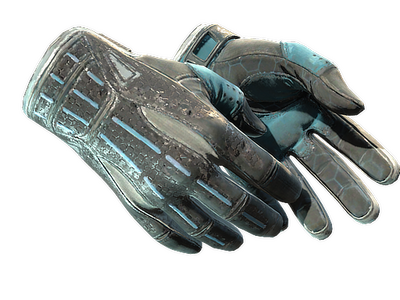
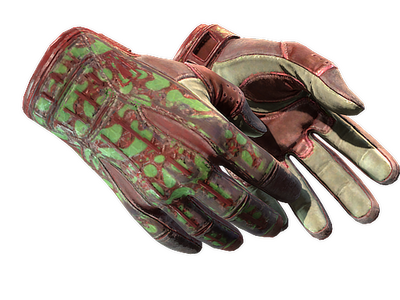
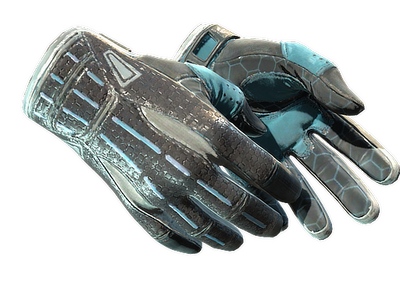
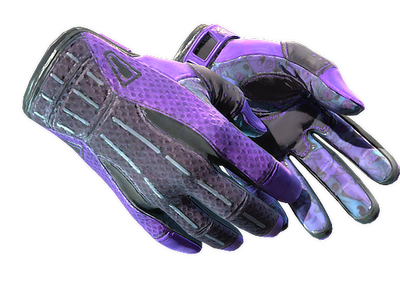
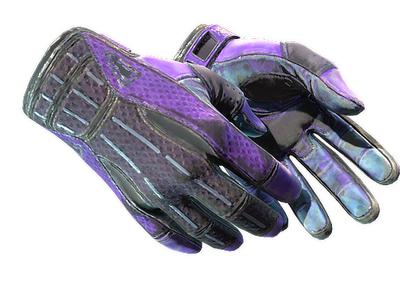
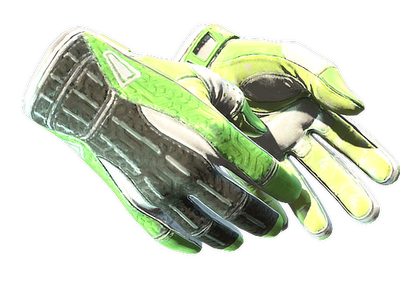
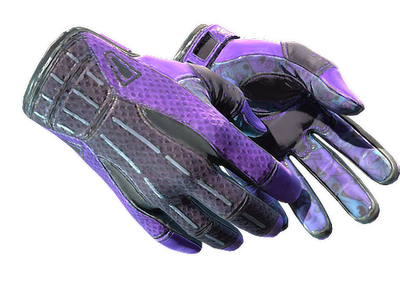
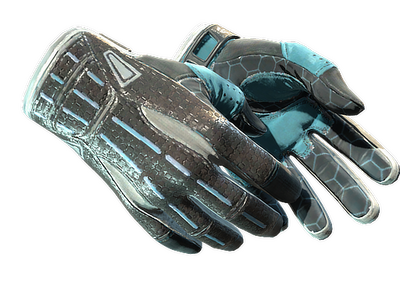
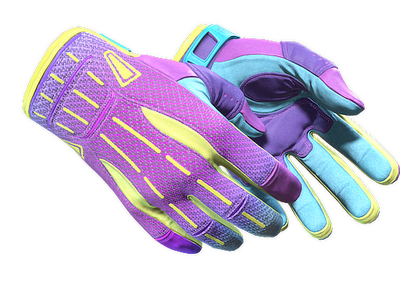
Sport Gloves are a cosmetic glove model made with synthetic fabrics, stitched sections, and distinctive designs across the back of the hand and palm. Sport Gloves is the official model name, while “sports gloves cs2” is a common search phrase used for the same category. Listings on white.market are marked Extraordinary, while Valve treats gloves as rare special item rewards. They change how the hands look in game, not weapon statistics or movement.
Model shape matters alongside the finish. The CS2 gloves hub lets you compare it with Specialist Gloves, Driver Gloves, and Moto Gloves in the same grid.
Finish pools and where each design comes from
The finish lineup is easiest to read by source. Some cases share a rare-special glove pool, while Dead Hand uses a terminal.
- Glove Case and Operation Hydra Case: Arid, Hedge Maze, Pandora's Box, and Superconductor. They share the same finish pool.
- Clutch Case and Revolution Case: Amphibious, Bronze Morph, Omega, and Vice. The set can come from either case.
- Operation Broken Fang Case, Snakebite Case, and Recoil Case: Big Game, Nocts, Scarlet Shamagh, and Slingshot. These cases share this glove pool.
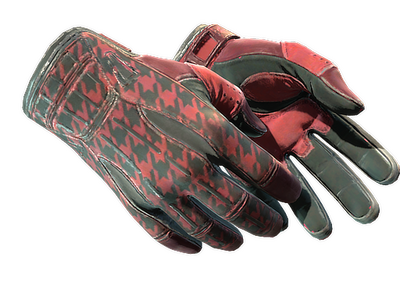
- Sealed Dead Hand Terminal: Blaze, Creme Pinstripe, Frosty, Occult, Red Racer, Ultra Violent, and Violet Beadwork. These finishes come through the Dead Hand Terminal rather than the cases listed above.
Source affects how an item enters circulation, not the finish itself. Copies of the same finish can still differ through wear and, where relevant, pattern placement.
What matters when comparing individual pairs
The finish name is only the first filter. Exterior and visible wear can separate copies of the same design. There is no phase system: Phase, Ruby, Sapphire, and Emerald belong to other skin families.
- Exterior and float. Finishes cover the standard exterior range from Factory New through Battle-Scarred. Float is permanent for the item and helps show how worn the item appears within the same exterior grade.
- Finish. Color layout and design are fixed by the named finish. If budget is the constraint, sort the live listings by price instead of relying on a static “cheapest finish” claim that can become outdated.
- Pattern seed. Listings carry a pattern value, but its visual importance depends on the finish. Some textures shift placement with the seed, while others show little or no meaningful change, so there is no universal rare-pattern rule for the whole model.
- Variant type. StatTrak and Souvenir editions are not available for these gloves, so neither should be treated as a price or filtering factor.
For wear-sensitive finishes, inspect the exact pair; float, pattern data, and the in-game view matter more than a generic description.
How to obtain Sport Gloves in CS2
The direct item sources are the cases and terminal listed above. Case and terminal outcomes are randomized, so opening a source does not let you select the glove model, finish, exterior, or seed. The extended Trade Up Contract adds a separate path: regular Covert inputs can produce a regular knife or gloves item from a collection represented among the inputs. That mechanic still does not let you choose this exact model or finish in advance.
A listed pair already exists, so you can compare its exterior, float, pattern value, delivery conditions, and asking price before trading. That item-level choice matters when a specific look is the goal.
How to compare Sport Gloves on white.market
Start with the filters above the grid: exterior and float narrow wear, Pattern helps when seed placement matters, and price sorting shows the live order of listings without hard-coding a value into this text. Open the exact item and check its inspect information before trading.
If the finish is less important than the glove silhouette, compare the category with Hand Wraps, Broken Fang Gloves, Bloodhound Gloves, and Hydra Gloves. Keeping the exterior and price filters consistent makes the comparison cleaner: you can judge model shape, finish, and wear without mixing in unrelated listing conditions.
Sport Gloves stay visible throughout most of a match, so the finish is often easier to evaluate as part of a full loadout rather than on its own. On the white.market CS2 market, you can compare current listings for gloves, knives, and weapon skins in one place.
Buying and selling pairs on white.market
The marketplace uses Steam-based trading, so both sides should complete the account and trade-link setup before a transaction. The sequence is the same whether the pair came from a case, terminal, trade-up, or another user.
- Sign in through Steam OpenID, confirm the account email, make the Steam profile and inventory public, connect the Steam Trade Link, and use the white.market mobile app or Chrome extension for trade handling.
- To buy, add funds to the balance, choose the exact listing, and use Buy Now. The required amount is reserved while the seller sends the Steam trade offer.
- To sell, connect the required Steam API key in the profile, open Inventory, choose the pair, set the listing price, and place it for sale. The item stays in the seller's Steam inventory until a buyer initiates the transaction.
- Before confirming any offer, match the account details shown on white.market with the Steam offer. Keep communication inside the platform and never share a Trade Link or API key with another user.
FAQ
Can I choose the exact float and pattern seed when I buy?
Yes. Select a listing with the values you want and inspect that exact pair before confirming the trade. Pattern matters more on some finishes than others, so the seed should be treated as item-specific information rather than a universal quality grade.
Are sports gloves cs2 and this in-game model the same category?
Yes. That phrase is a common search formulation for the same glove category, not a different CS2 item class. The listings in the grid above are the relevant items.
Do these gloves change movement, recoil, or hitboxes?
No. They are cosmetic items and do not modify movement speed, recoil, damage, hitboxes, or other gameplay statistics. The meaningful differences are visual and market-related: finish, wear, seed relevance, and the exact listing conditions.