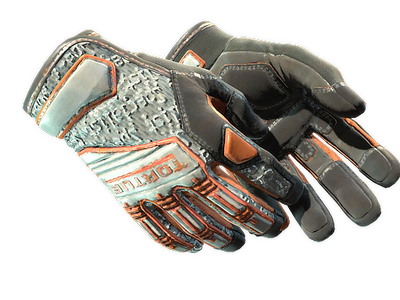
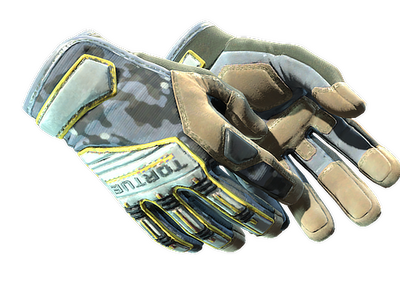
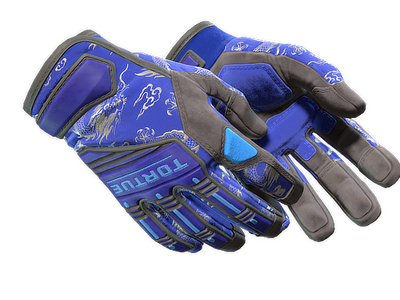
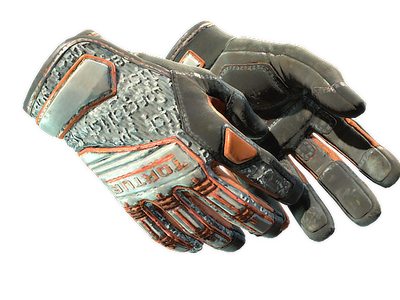
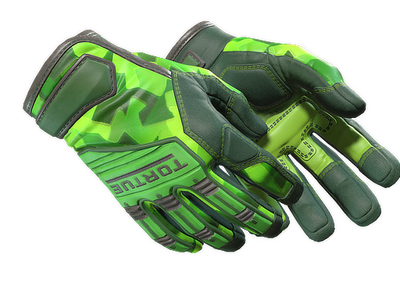
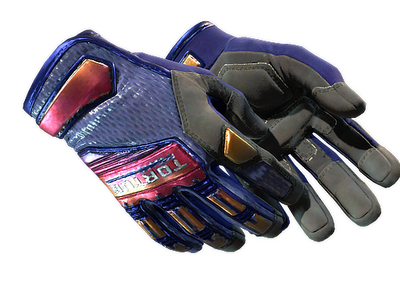
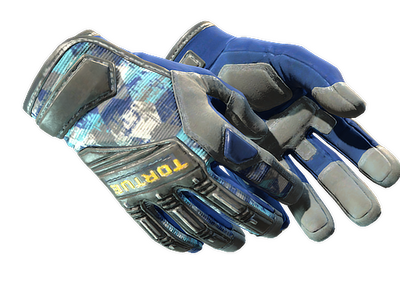
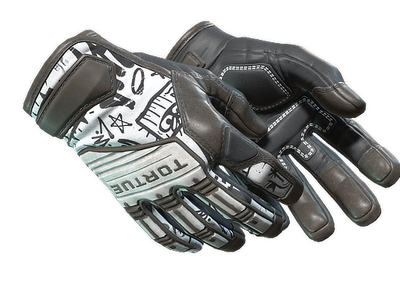
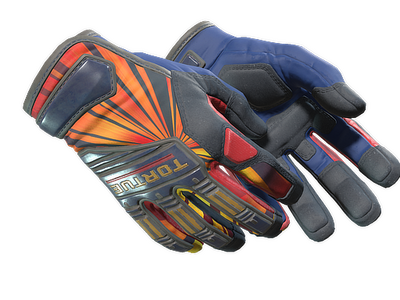
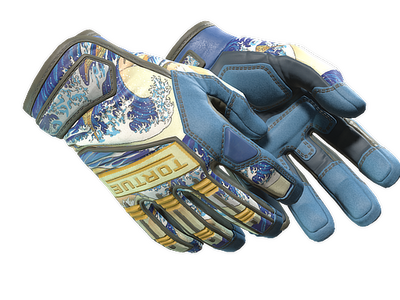
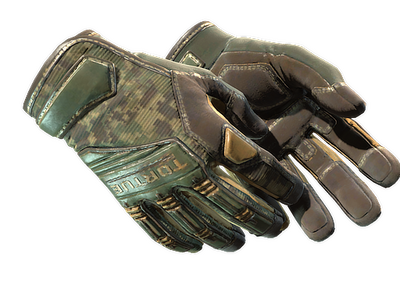
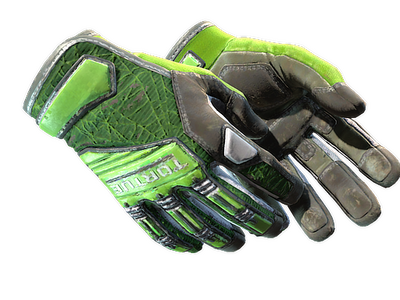
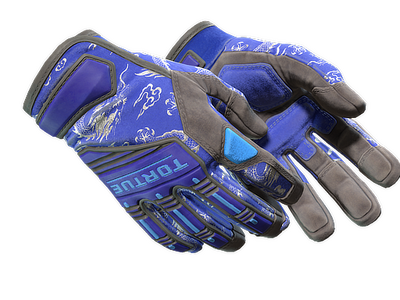
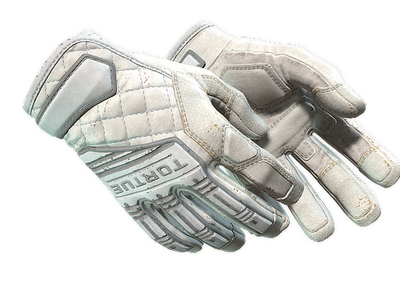
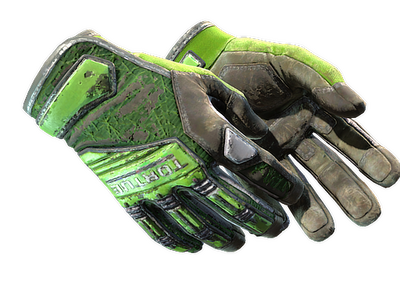
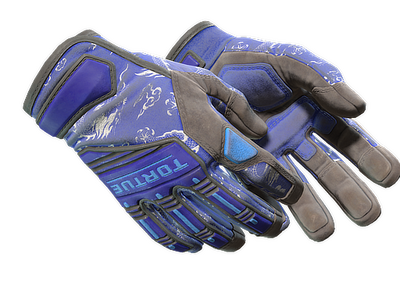
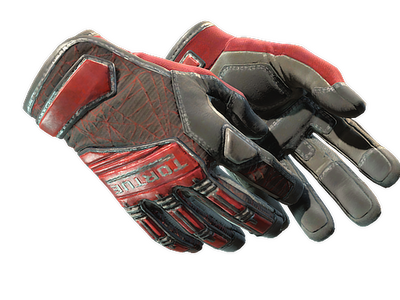
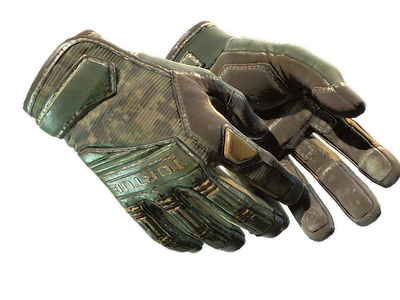
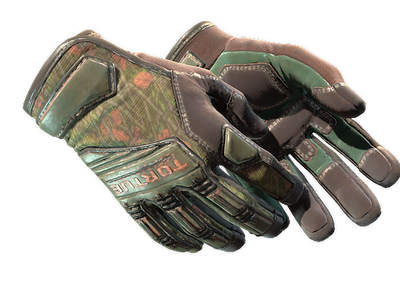
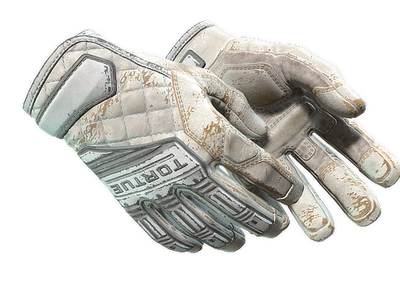
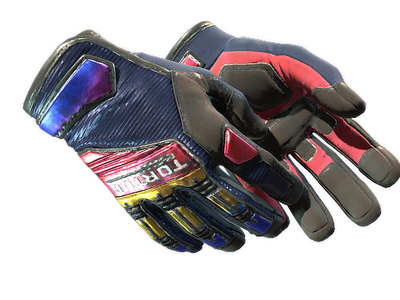
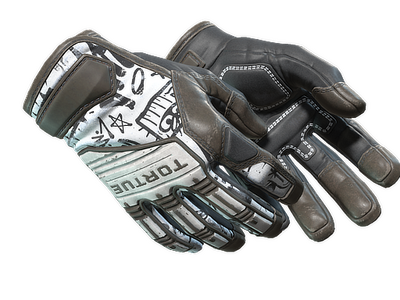
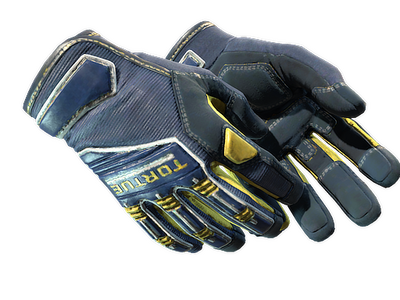
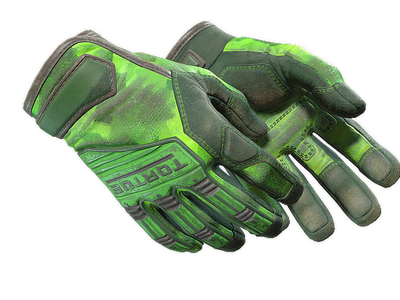
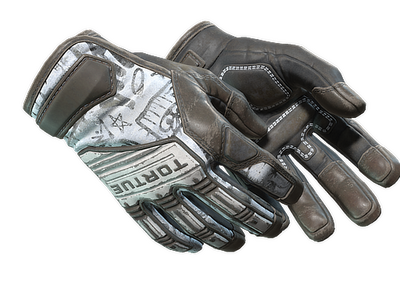
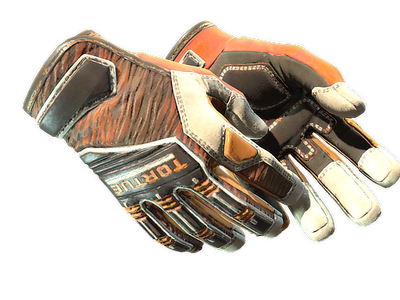
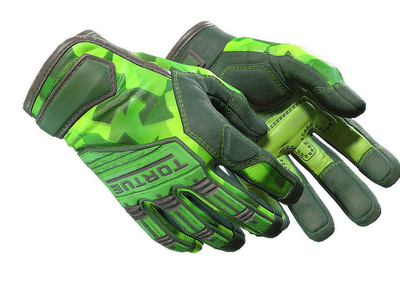
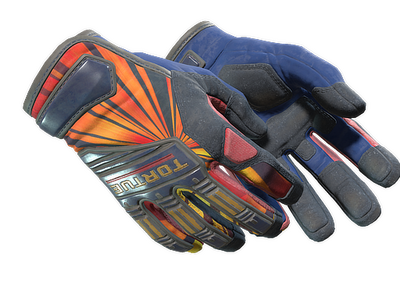
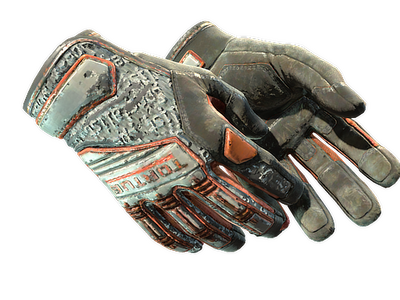
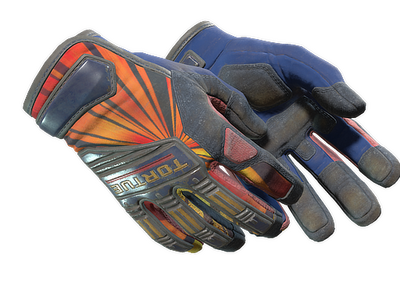
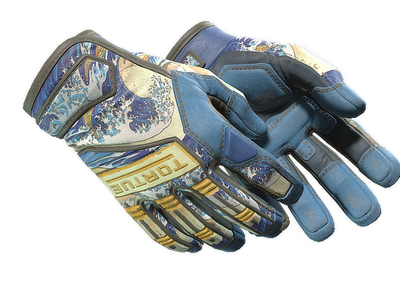
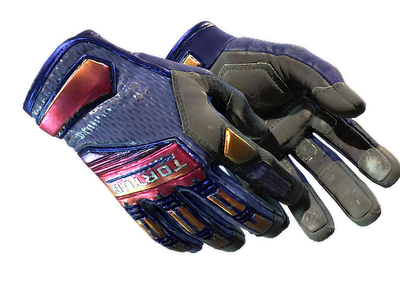
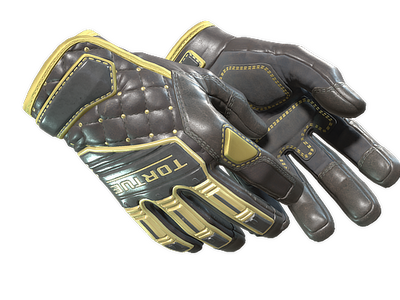
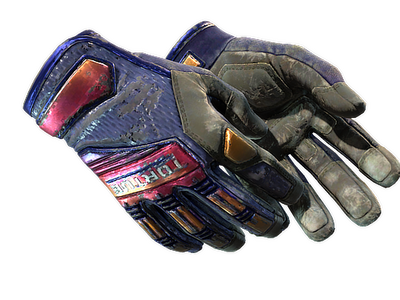
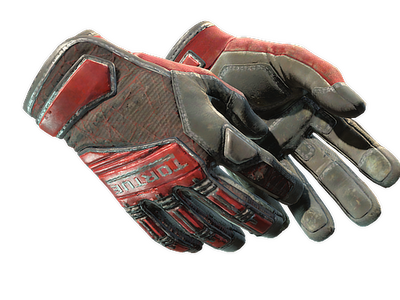
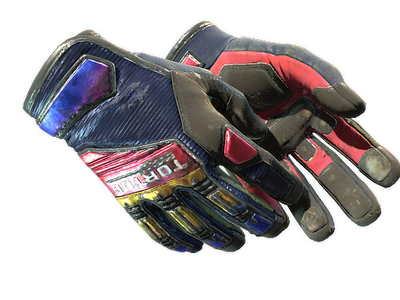
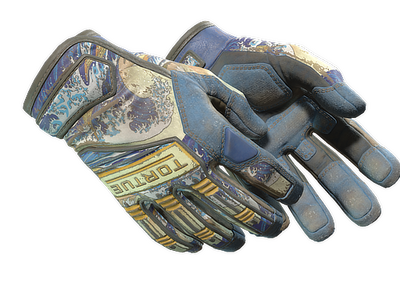
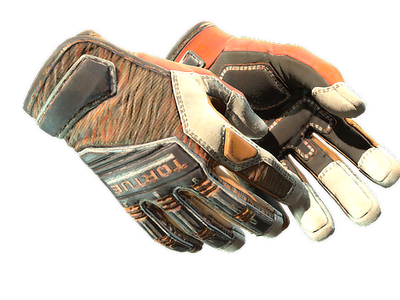
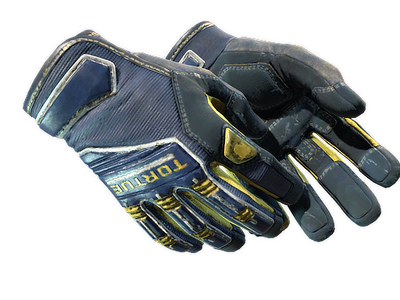
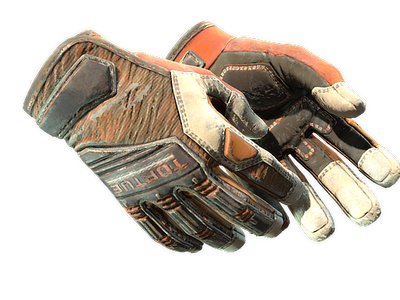
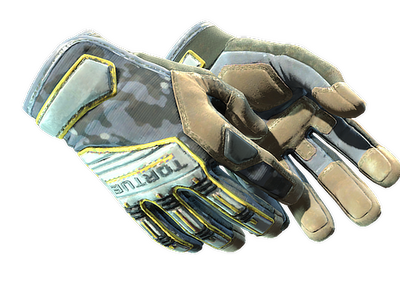
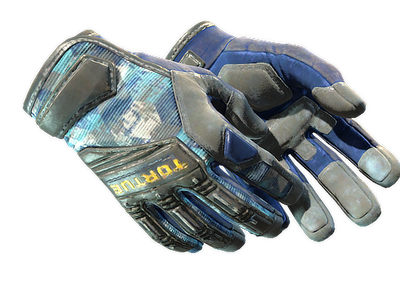
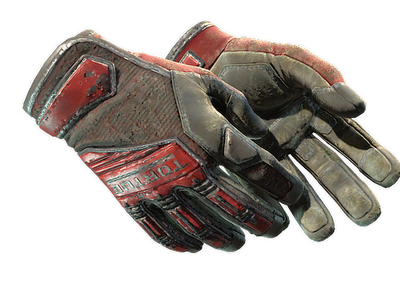
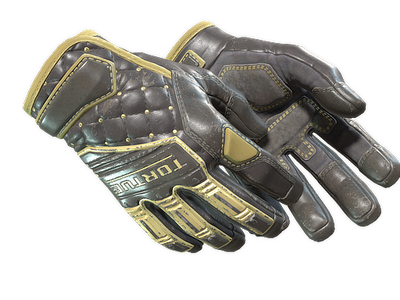
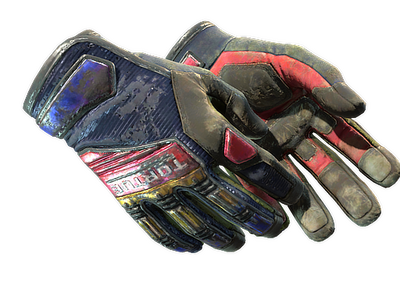
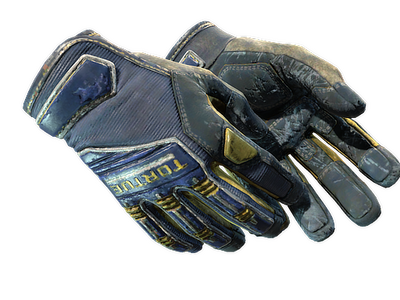
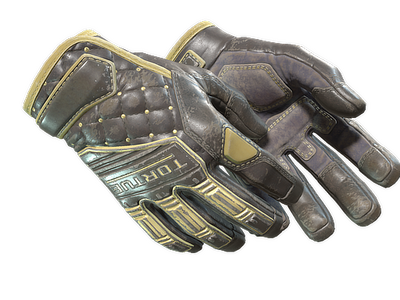
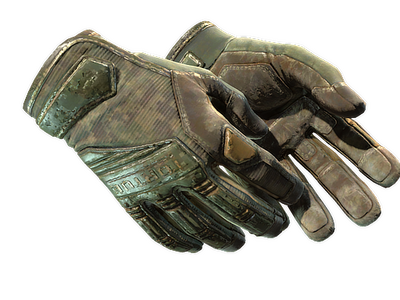
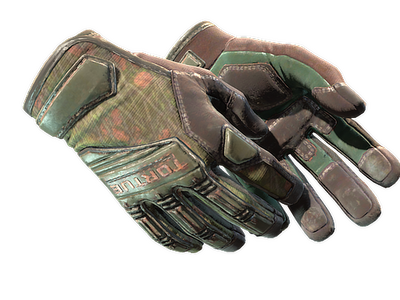
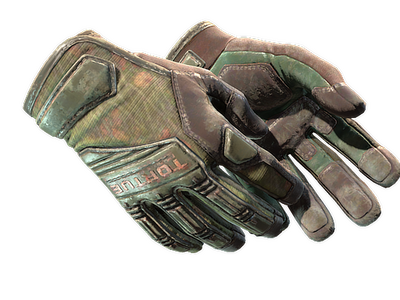
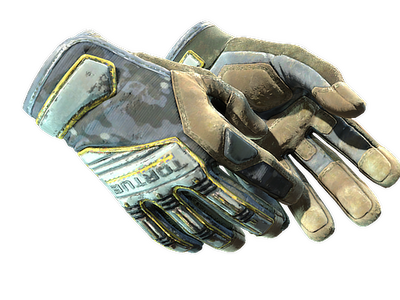
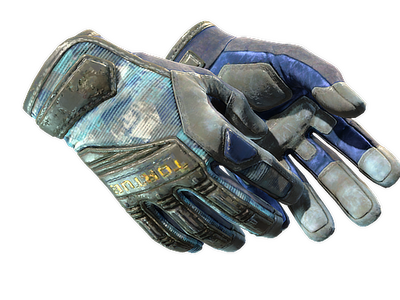
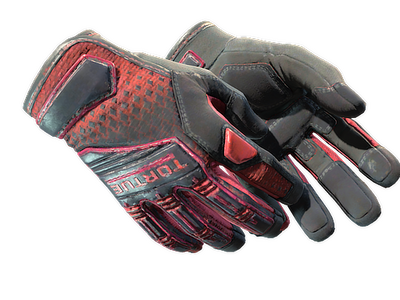
What are specialist gloves in CS2?
Specialist gloves are a distinct glove model in Counter-Strike 2, with their own silhouette and a finish pool that spans several item collections. They belong to the gold-star rare-special tier and are shown as Extraordinary items on the marketplace. Listings mainly differ by finish, exterior, float, and, where relevant, pattern placement. If you want to step back from one model, the CS2 gloves category lets you compare the wider glove lineup from the same level of the catalog.
The Specialist silhouette is distinct from neighboring models. Sport Gloves use a sportier construction, Driver Gloves are slimmer, Moto Gloves emphasize protective panels, and Hand Wraps use wrapped material instead of a conventional glove shape. Within this model, the finish carries most of the visual identity.
Finish types and where each design comes from
The Specialist model expanded through several separate source pools. Keeping those pools apart shows which item pool a design belongs to even when two finishes use similar colors.
- The original pool includes Crimson Kimono, Emerald Web, Foundation, and Forest DDPAT. These finishes are tied to the Glove Case and Operation Hydra Case.
- The Clutch pool includes Crimson Web, Fade, Mogul, and Buckshot. It appears through the Clutch Case and Revolution Case.
- The Broken Fang pool includes Field Agent, Lt. Commander, Marble Fade, and Tiger Strike. These designs are associated with the Operation Broken Fang Case, Snakebite Case, and Recoil Case.
- The Dead Hand pool adds Big Swell, Blackbook, Chocolate Chesterfield, Cloud Chaser, Lime Polycam, Pillow Punchers, and Sunburst. These gloves are connected to the Dead Hand Collection and its Sealed Dead Hand Terminal.
It separates designs that share the same base model but belong to different release pools.
How to compare specialist gloves in cs2 listings
Start with the finish, then narrow the grid by the attributes that change how a pair looks. Wear and pattern placement can differ inside the same named finish, so listing data matters more than a generic finish image.
Useful checks include:
- Exterior and float. Compare visible wear instead of assuming that two items in the same exterior band look identical.
- Pattern seed. On pattern-sensitive finishes, seed can move color blocks, web placement, and other large visual elements.
- Color and pattern placement. A key color or motif can land differently on each hand, so judge the pair as a whole.
- Price sorting. Sort the grid by price, then compare float and pattern without relying on a fixed price guide.
If the model itself is still undecided, compare the same budget across nearby categories such as Bloodhound Gloves and Hydra Gloves. That separates a model preference from a finish preference before you filter individual listings.
Pattern and wear matter differently by finish
Pattern seed is not equally important across the Specialist pool. On Crimson Kimono, Emerald Web, Crimson Web, Fade, and Marble Fade, large color areas, web elements, or gradients can shift across the surface. Inspect the actual pattern rather than relying on the finish name alone.
Wear is separate from pattern. Float controls the wear state, while the visible effect depends on the finish. A lower float can reduce wear, but it does not guarantee the pattern placement you want.
Base construction also changes how a palette reads. Broken Fang Gloves use a different shape, so a similar color scheme does not produce the same look. Judge a Specialist finish on its own model.
How to obtain Specialist Gloves in CS2
The finish pools above come from cases or, for the Dead Hand set, a terminal-based collection. If you want to browse the broader source catalog rather than one model, the CS2 cases section provides the higher-level entry point. Opening a source item gives a random result from its pool, so it is not a way to select a specific finish, float, or pattern.
Case opening is not the only acquisition route in CS2. The Trade Up Contract can return a regular knife or regular gloves item from a collection represented by regular Covert inputs, but it does not let you choose the exact glove finish. An existing listing is the direct route when you want to inspect item-specific attributes before the trade.
Buying and selling the Specialist model on white.market
The category grid is built for comparing existing pairs rather than opening a random source. A practical purchase flow is:
- Choose the finish you want to compare and apply exterior, float, or pattern filters when they are relevant.
- Sort the available listings by price and open the pairs that fit your criteria.
- Check the item-specific float and pattern information before confirming the purchase.
- Complete the trade through the marketplace flow after the listing details match what you selected.
For selling, select the pair from the connected inventory, create the listing, and confirm the trade when requested. The listing exposes the attributes buyers use to compare it with other pairs.
Gloves stay visible throughout the match, so the knife and weapon skins you pair with them shape the overall look of the loadout. On white.market, you can browse different item categories and build a setup that works with your Specialist Gloves.
FAQ
Is there an official best pattern seed?
No. Valve does not publish a quality ranking for Specialist pattern seeds. Community preferences can make some layouts more discussed than others, but the useful check is the actual placement on the pair you are considering.
Do these gloves have StatTrak, Souvenir, or a Vanilla version?
No. This model is not available as StatTrak or Souvenir, and there is no separate Vanilla or Not Painted version. A tradable pair is identified by its named finish.
Do Fade and Marble Fade have Doppler-style phases?
No. Fade and Marble Fade are finishes, not Doppler or Gamma Doppler phase families. Their visual variation is handled through finish-specific pattern placement rather than named gem phases.
Do these gloves affect aim, movement, or damage?
No. They are cosmetic items and do not modify weapon statistics, movement speed, recoil, or damage. The choice is about appearance, wear, pattern, and how the pair fits the rest of a loadout.